Prioritise from the shared pipeline
See opportunity stage, ownership and customer activity together instead of relying on memory or a private task list.
Solar software for sales teams
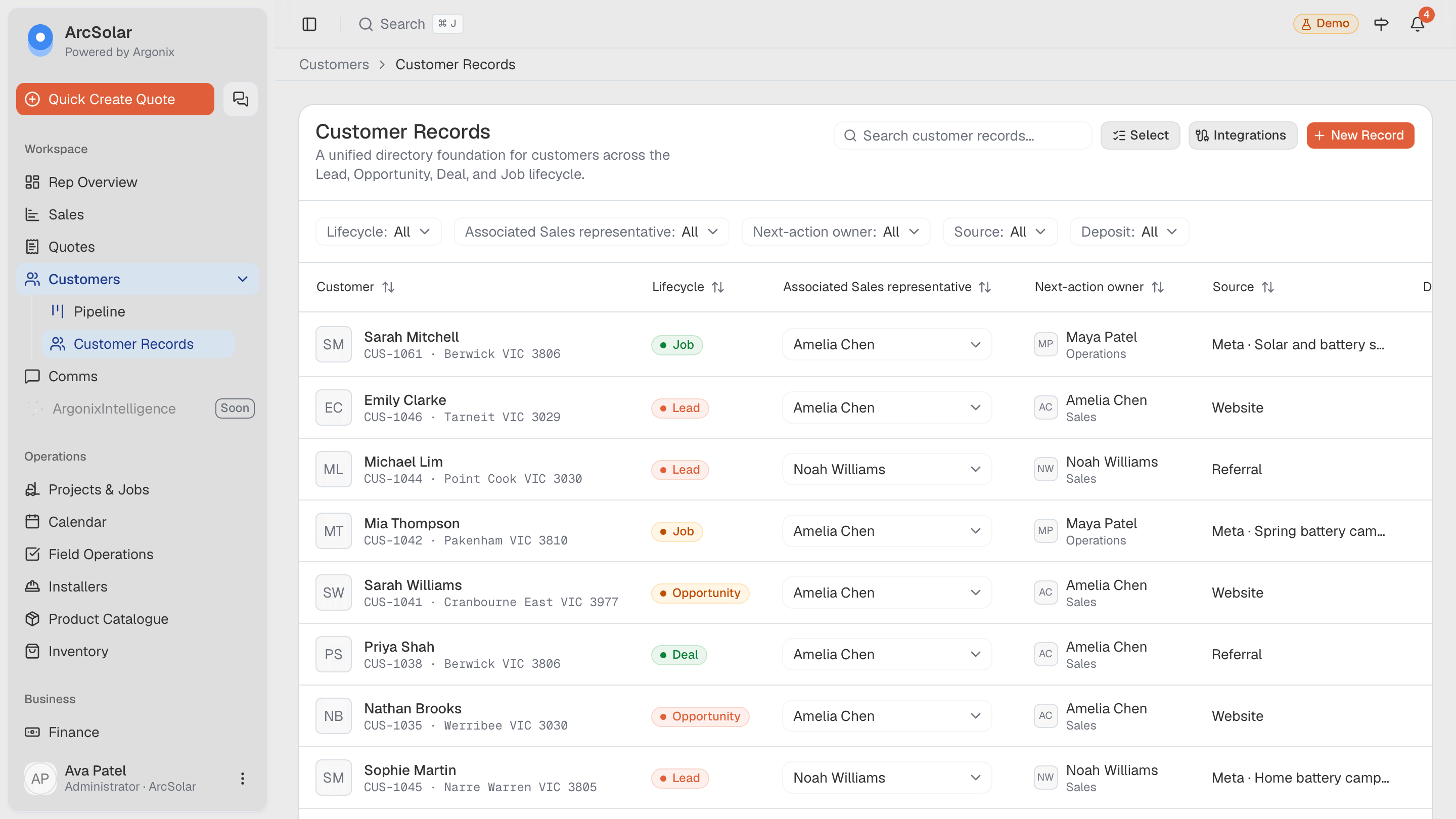
ArcSolar gives sales representatives one place to see ownership, prior contact, the next action and the current customer offer. Managers receive a shared view without forcing each representative to maintain a separate tracker.
Book a workflow demoThe pipeline, communication history and quote workflow reference one customer record shared with downstream teams.
For representatives
See opportunity stage, ownership and customer activity together instead of relying on memory or a private task list.
Use a guided builder and quote-safe catalogue view so the offer follows the retailer's maintained product and pricing rules.
Two-way SMS, browser calls, recordings, transcripts and AI call summaries stay connected to the customer. Call evidence depends on capture and access.
Representative workflow
Each sales action should enrich the record that operations receives rather than creating notes that disappear after the deal closes.
Review the customer's source, ownership, contact history and pipeline stage before beginning the next action.
Call or message from the connected workspace and configure the solar or battery estimate through the guided steps.
See sent, viewed and accepted estimate states and keep the accepted record ready for operational handover.
Questions
Yes. Opportunities can carry ownership and pipeline state so representatives and managers can identify the customers requiring attention.
ArcSolar supports a quote-safe catalogue view for representatives, while fuller pricing and bill-of-materials detail can remain available to authorised roles.
Yes. Sent, viewed and accepted estimate states can return to the customer record used by the representative.
Evidence and review
This page is mapped to 5 maintained ArcSolar capability records. Product statements are reviewed by the ArcSolar product and editorial team. Read the editorial standards.
See it with your workflow