One inbox with customer context
See customer conversations alongside the record, rather than matching numbers back to a CRM after the call.
Solar communications software
ArcSolar combines two-way SMS chat and browser phone calls with customer records. Review call recordings, transcripts and AI CallIntelligence summaries, then confirm the next task. Call evidence depends on enabled capture, processing and access.
Book a workflow demoConversation history, ownership and customer context stay close to the work the team needs to complete.
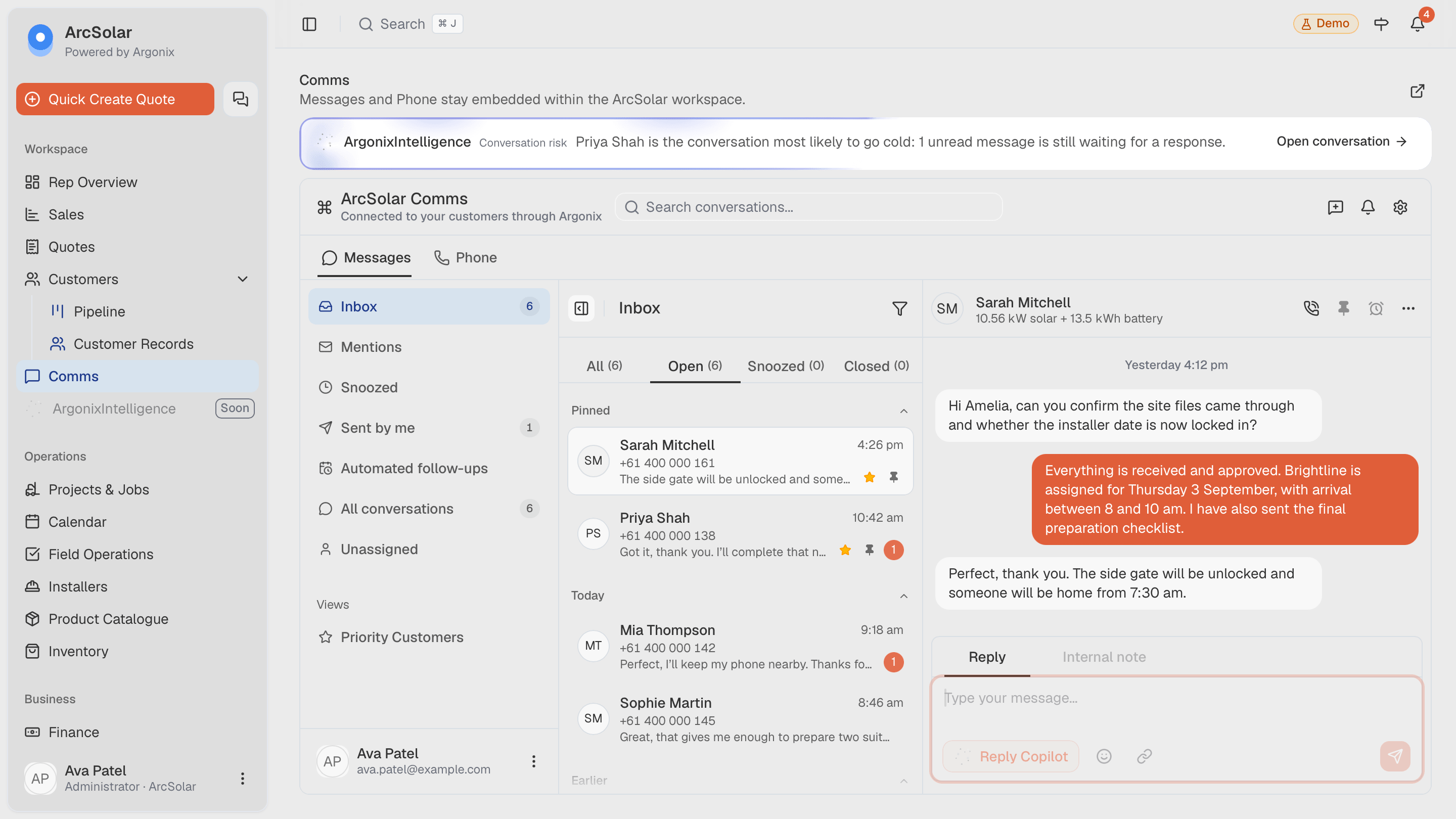
What changes
See customer conversations alongside the record, rather than matching numbers back to a CRM after the call.
Let teams contact customers from the same environment used to manage follow-ups, quotes and job progress.
Give the next person SMS history, call transcripts and AI summaries that explain the customer's expectations and next steps.
How it works
The workflow is configured around the retailer rather than forcing the team into a generic software template.
Find the message or call in the shared workspace with its customer context visible.
Call or message the customer and keep the activity accessible to the team.
Carry the conversation into the next sales or operational action without a manual recap.
Questions
Yes. Where enabled, quote follow-up cadences can use configurable timing and templates, including different reminders for unopened and viewed quotes. The workflow checks quote status and customer conversation activity before sending. Setup, messaging eligibility and plan scope apply.
The quote send workflow creates the customer estimate and sends its email. Eligible quotes can then enter the configured SMS follow-up cadence. The estimate email and SMS reminders stay connected to the customer’s quote.
AI voice agents for appointment setting and winback follow-up are in development. Current call intelligence covers recordings, transcripts, summaries and follow-up tasks; it is separate from the planned voice agents.
ArcSolar is designed to bring calling and messaging into the same operating workspace, reducing the need to keep customer conversations disconnected from CRM and job records.
Authorised team members can work from a shared communications view so customer context is not limited to one representative's personal device.
Yes. Communications sit within the same platform used for customer records, quoting and delivery, helping the next action retain its context.
Related solutions
See it with your workflow