Pipeline performance in one view
Review sales and pipeline activity without assembling a recurring report from individual representative spreadsheets.
Solar business reporting software
ArcSolar brings sales and pipeline, operational and platform reporting into one workspace built from the records teams use each day. Managers can move from the high-level view into communication evidence and the underlying customer or job context when something needs attention.
Book a workflow demoSales, operations and communication reporting reference the connected customer and job records behind the figures.
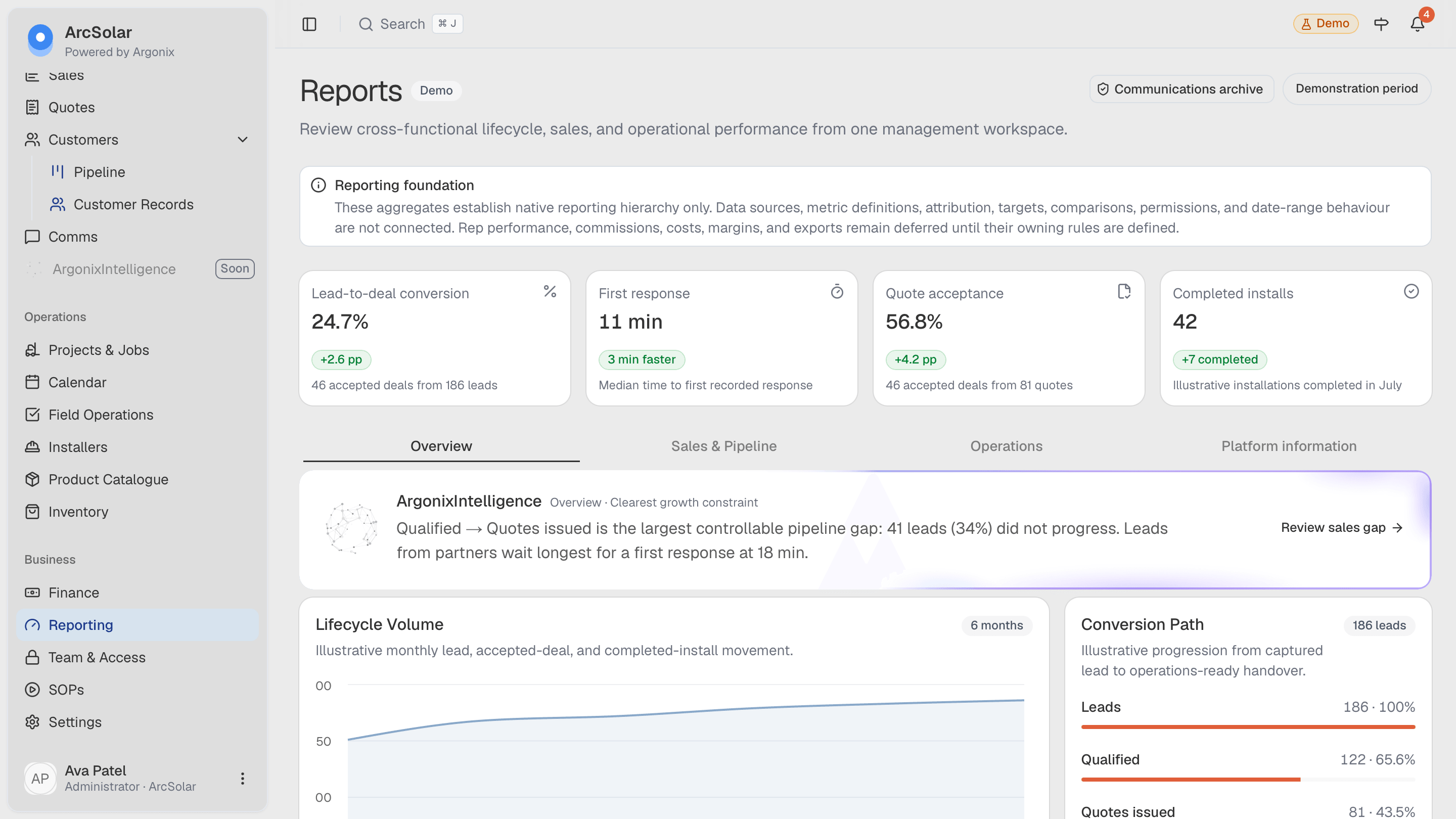
What changes
Review sales and pipeline activity without assembling a recurring report from individual representative spreadsheets.
Use an operations view beside the sales picture so managers can see how work progresses after a deal is accepted.
Open recorded call evidence, transcripts and the audited SMS archive when the team needs to understand the history behind a customer outcome.
How it works
The workflow is configured around the retailer rather than forcing the team into a generic software template.
Move between sales and pipeline, operations and platform information depending on the question being reviewed.
Open the related customer, job, call or message context behind the activity that needs closer attention.
Return to the live record and assign the follow-up or operational action without maintaining a separate reporting process.
Questions
The reporting workspace includes separate views for sales and pipeline, operations and platform activity, using the connected records already maintained in ArcSolar.
Where call recording is enabled and authorised, ArcSolar can provide a call-evidence view for recordings and transcripts from the communications history.
Yes. The reporting workspace can include an audited SMS archive so authorised users can review the communication history attached to business numbers and customers.
Related solutions
See it with your workflow