A private customer view
The customer can open a tokenised link to review the itemised estimate and savings information without creating an account.
Solar quote approval software
ArcSolar gives the customer a private, tokenised estimate experience without requiring an account. The retailer keeps the sent, viewed and accepted state connected to the quote and customer record used by sales and operations.
Book a workflow demoA numbered estimate, the customer's decision and resulting payment state can remain on the same commercial record.
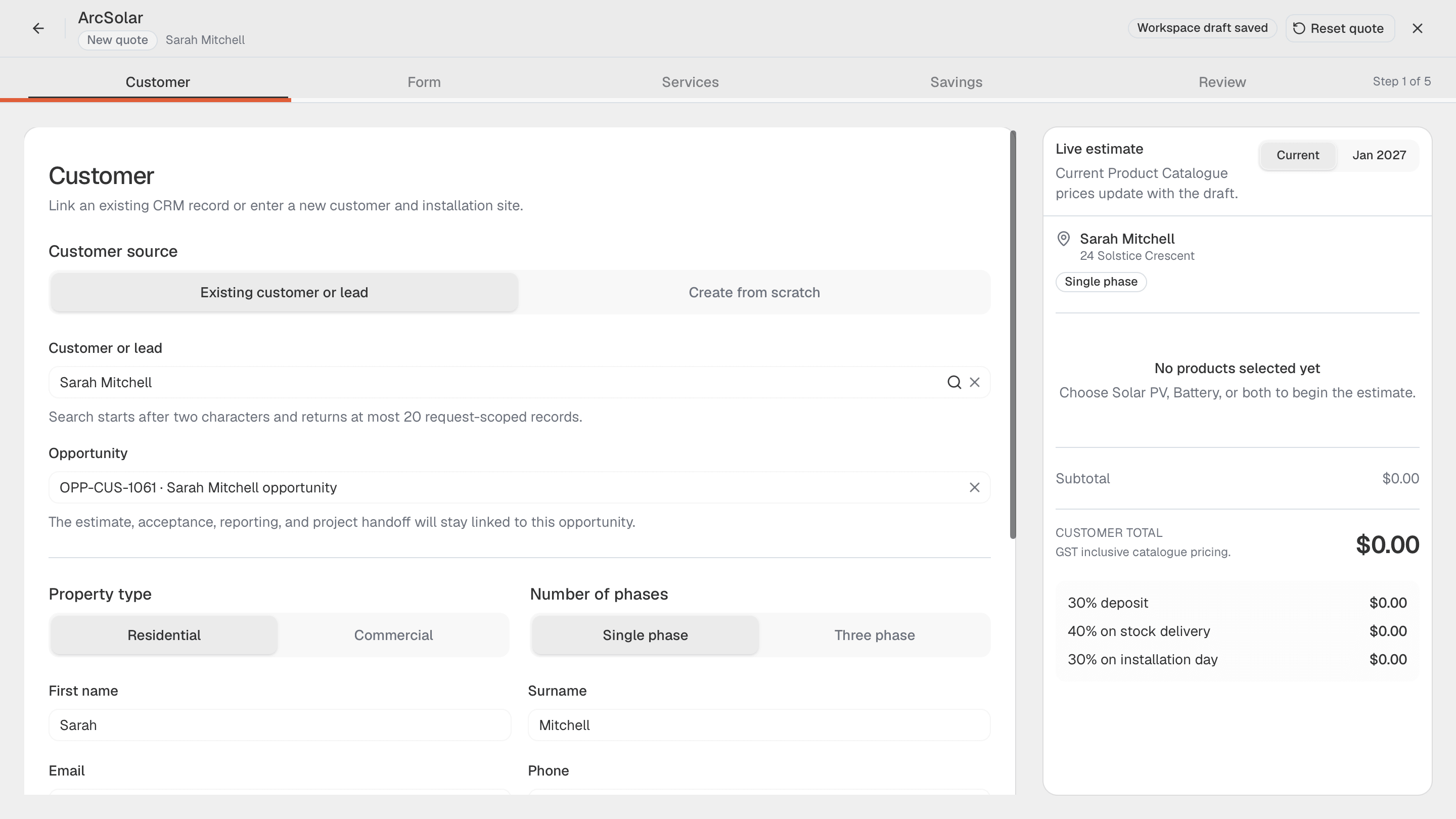
A traceable decision
The customer can open a tokenised link to review the itemised estimate and savings information without creating an account.
Sent, viewed and accepted states can return to the ArcSolar record where the representative manages the opportunity.
The accepted estimate establishes the configured system and commercial context operations can use when the job moves forward.
Approval path
The approval experience stays connected to the guided quote rather than becoming an unrelated document checked manually later.
Confirm the customer, property, selected package, savings context and commercial details before sending a numbered estimate.
The customer sees the itemised offer and can accept it without creating a separate ArcSolar login.
Return the viewed, accepted and payment state to the connected record so sales and operations act on the same outcome.
Questions
No. The estimate is shared through a private tokenised link, so the customer can review and accept without creating an account or password.
No. The customer-facing estimate presents the itemised offer and savings context without exposing the retailer's internal margin data.
Yes. Where configured, the accepted estimate can continue into customer deposit collection through Stripe-supported Australian payment rails.
Evidence and review
This page is mapped to 3 maintained ArcSolar capability records. Product statements are reviewed by the ArcSolar product and editorial team. Read the editorial standards.
Related workflows
See it with your workflow