The proposal matches the live quote
Build the customer estimate from the selected products, system configuration and commercial terms instead of copying figures into a separate proposal file.
Send branded proposals for e-signature. Track the customer’s decision beside the deal.
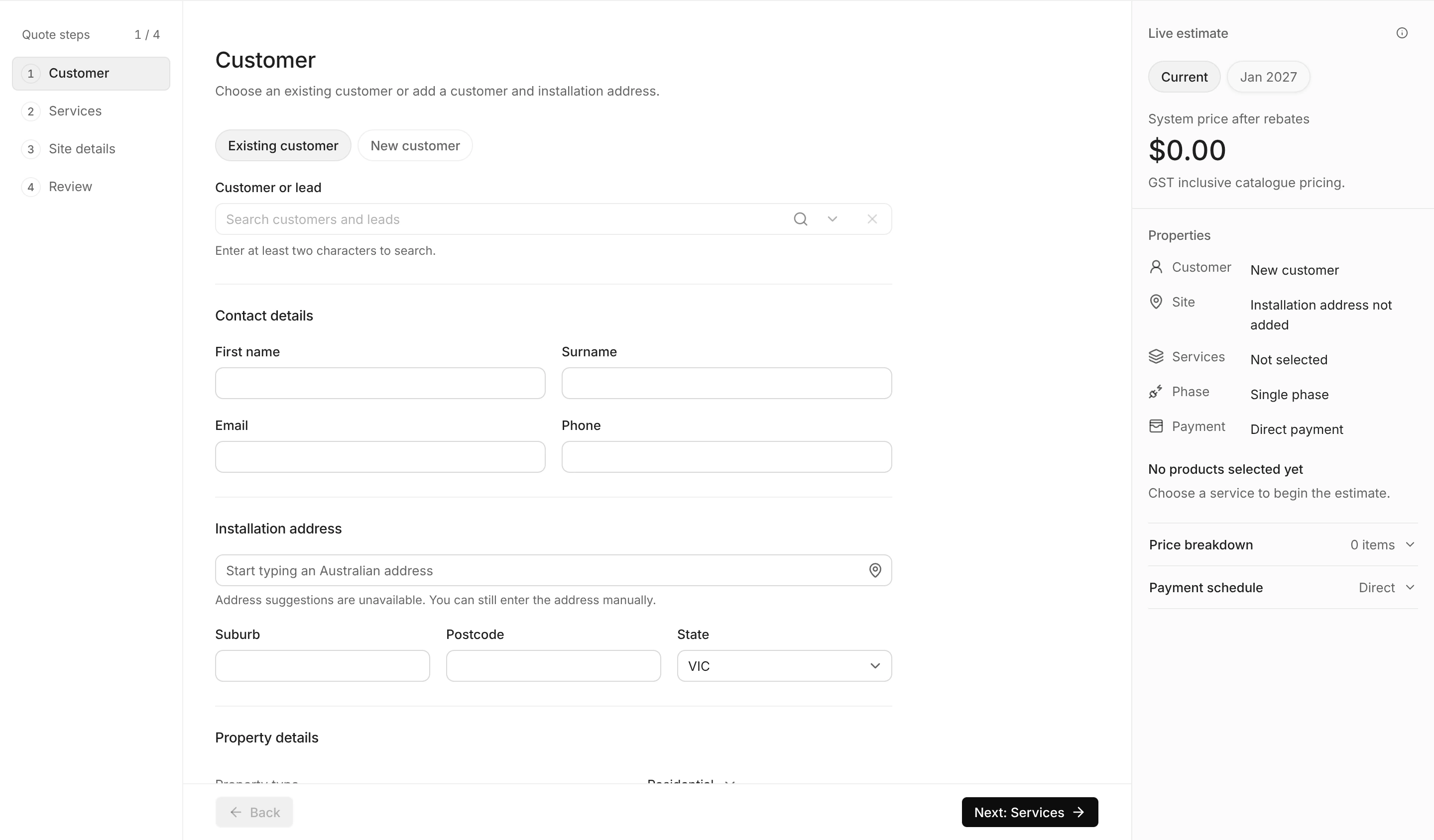
Build the customer estimate from the selected products, system configuration and commercial terms instead of copying figures into a separate proposal file.
Track whether an estimate has been sent, viewed, accepted and paid so the next follow-up is based on the current customer state.
Keep the accepted scope, customer decision and deposit status attached when the deal moves from sales into operational work.
Keep each action connected to the customer and the work your team is delivering.
Confirm the customer, property, products, pricing, savings and payment schedule before sending.
Send a private customer link where the itemised proposal can be reviewed without a separate account.
Return the customer's decision and deposit status to the deal so the next team can act from the same record.
No. The estimate can be opened through a secure tokenised link, allowing the customer to review and accept without creating a login.
Yes. The customer-facing estimate can include an itemised system and a plain-language savings projection based on the configured quote.
Yes. The accepted estimate can continue into the configured deposit collection step, with payment status visible back inside ArcSolar.
Bring your team’s workflow to a demo.
Book a demo