Start with the existing record
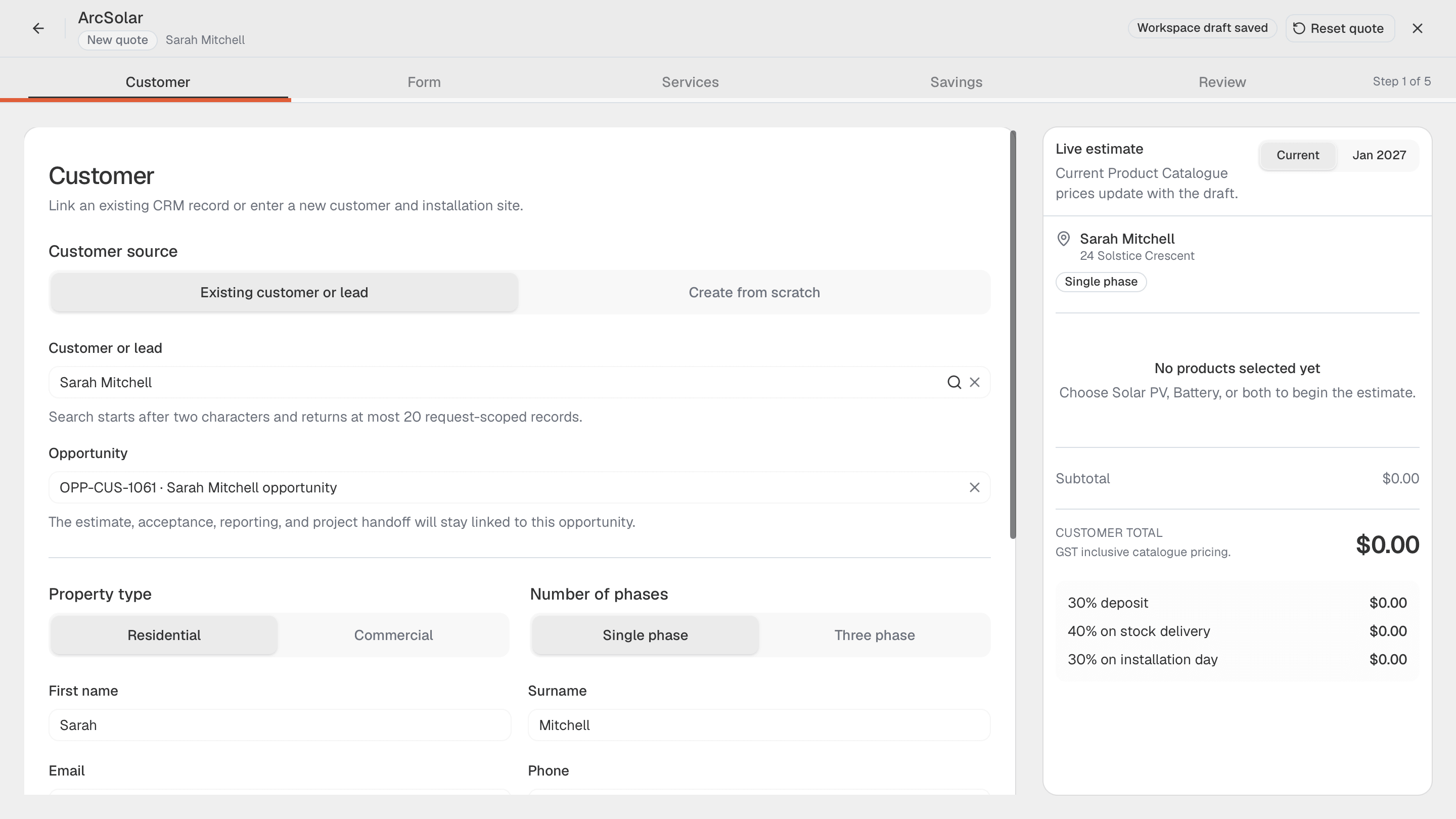
Search the customer and opportunity before starting. Confirm the installation address and contact details instead of creating a duplicate during the visit.
Mobile solar and battery quoting
Use ArcSolar mobile quoting to work through a solar or battery offer away from the desk. Keep the customer, site evidence and selected equipment together, then review the issued customer document before the appointment ends.
Book a workflow demoSearch the customer and opportunity before starting. Confirm the installation address and contact details instead of creating a duplicate during the visit.
What changes for your team
Search the customer and opportunity before starting. Confirm the installation address and contact details instead of creating a duplicate during the visit.
Choose the supported service combination and exact equipment. Check quantities and installation conditions while the site context is still available.
Use the customer preview to explain the total, included services, savings assumptions and payment schedule before issuing the quote.
Setup and example
Confirm plan access, staff permissions and the connected workspace setup before using this workflow with a real customer.
Confirm workspace access and availability of the bill and site information. Mobile quoting should not depend on inventing missing technical inputs.
Select services, equipment and the energy profile. Review price adjustments, incentives and the internal bill of materials before the customer preview.
Illustrative example: a homeowner wants a battery added to an existing array. Review the retained solar system, proposed battery and updated offer on the phone.
Questions
Offline operation is not established by the reviewed documentation. Demonstrate the workflow on your device and connection before relying on it at a site visit.
No. Previewing and issuing are different steps. Use the final send confirmation and verify the quote register and any delivery warnings afterward.
An issued quote uses a saved commercial snapshot. Later catalogue edits do not automatically rewrite the customer document that was already sent.
Evidence and review
This page is mapped to 1 maintained ArcSolar capability record. Product statements are reviewed by the ArcSolar product and editorial team. Read the editorial standards.
Related workflows
See it with your workflow