Retain the reference
The quote reference and customer link remain attached to the revision. Previous snapshots and PDF details remain available in staff history.
Solar quote revision workflow
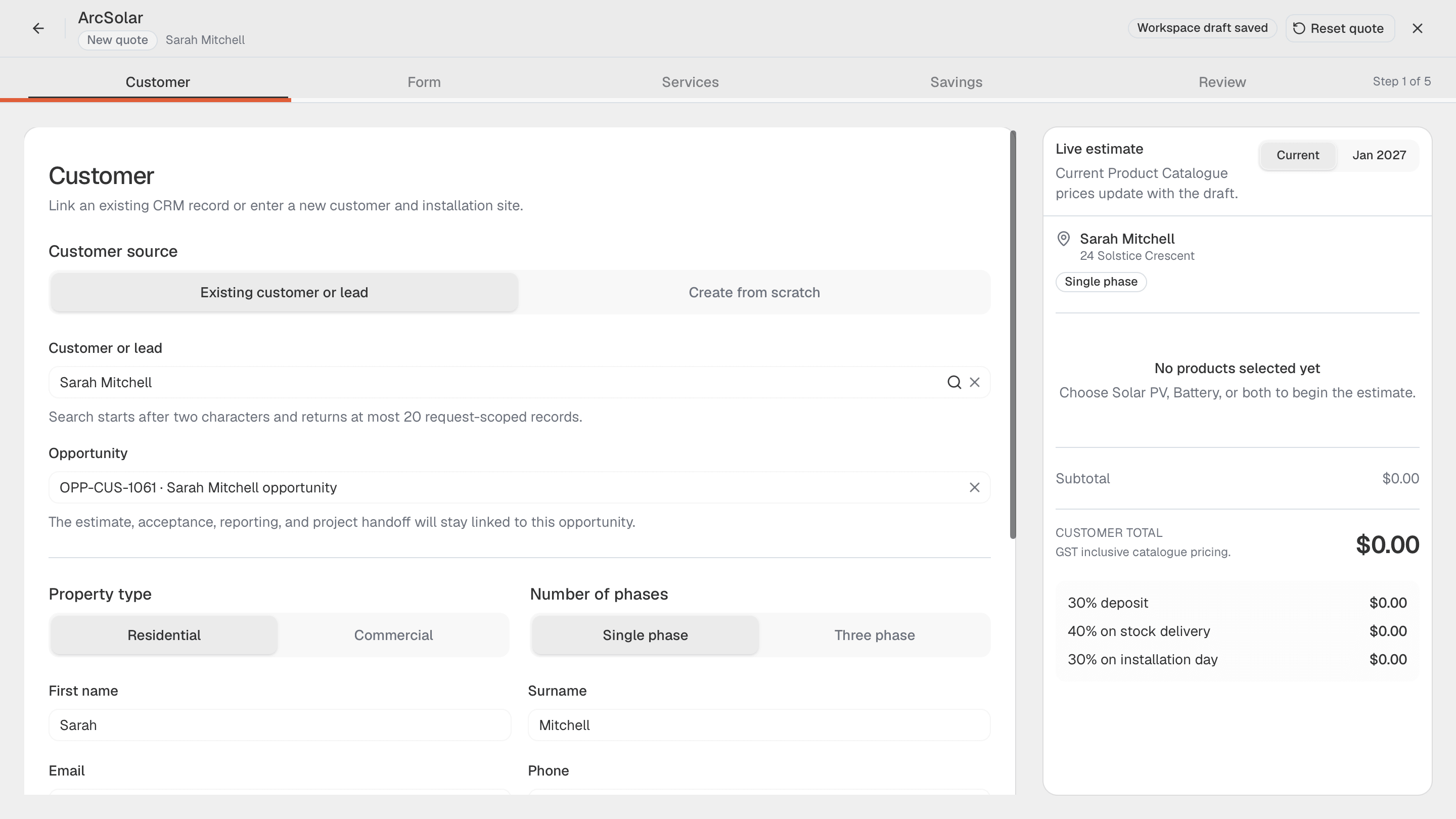
ArcSolar quote revisions let authorised staff update eligible offers while preserving their history. Check the commercial state first, review the complete replacement document and confirm notification delivery separately.
Book a workflow demoThe quote reference and customer link remain attached to the revision. Previous snapshots and PDF details remain available in staff history.
What changes for your team
The quote reference and customer link remain attached to the revision. Previous snapshots and PDF details remain available in staff history.
Record the required staff-only reason for change. Keep the audit explanation separate from the customer-facing description of the revised system.
Acceptance, signature evidence or a processing or settled deposit can lock the quote. A refund does not automatically make the offer editable.
Setup and example
Confirm plan access, staff permissions and the connected workspace setup before using this workflow with a real customer. Version control means checking the current issued offer and keeping the previous snapshot in staff history.
Find the quote and use Edit quote when available. Confirm the actual status before treating an accepted offer as a draft that can be replaced.
Make the intended change, inspect the customer preview and enter the reason. Review whether the customer should be notified by email and SMS.
Illustrative example: change equipment on an eligible offer. Confirm the revised document, then check communications; a failed notification may leave the revision published.
Questions
No. Duplication creates a new offer to review. It is not a revision of an accepted contract and should not be used to conceal a commercial change.
First inspect the revision result and delivery warning. The new offer may already be published even though notification failed; do not assume both actions failed.
The customer should review the current offer and its terms. An old browser tab may need refreshing after a revision has been published.
Evidence and review
This page is mapped to 1 maintained ArcSolar capability record. Product statements are reviewed by the ArcSolar product and editorial team. Read the editorial standards.
Related workflows
See it with your workflow