Follow the claim after the sale
Connect an eligible provider and associate the correct application. The project keeps its rebate context alongside the customer and installation work.
Solar and battery rebate tracking
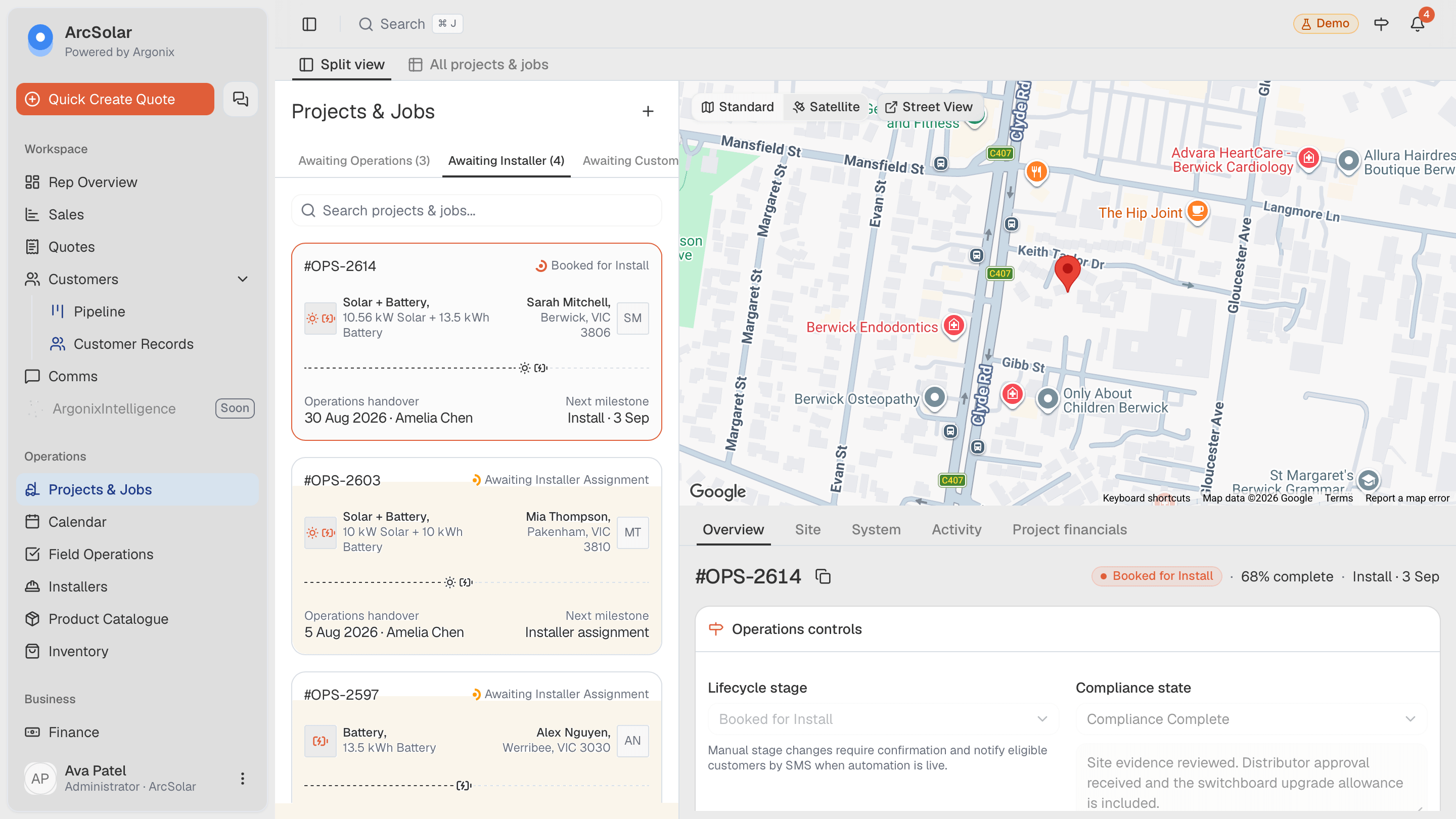
ArcSolar brings provider-reported rebate progress into the solar or battery project. Review applications, certificates, missing evidence and update times while keeping customer payments and rebate settlement clear.
Book a workflow demoAn accepted quote, a registered certificate and money received are three different events.
What you can do
Connect an eligible provider and associate the correct application. The project keeps its rebate context alongside the customer and installation work.
Inspect supporting files, certificate details and observation time. A status label alone cannot explain whether inspection or settlement is complete.
Track customer balances independently. A provider payment report is useful evidence, but does not reconcile the customer account by itself.
Setup and workflow
The Rebate tracking tab needs an eligible provider connection or enabled REC Registry tracking. Availability depends on your account setup.
Connect GreenDeal or Formbay. Where offered, enable REC Registry tracking and obtain the installation accreditation code from your rebate agent.
Match the application to the project using the customer, site and provider reference. An accreditation code is not an installer licence or invoice number.
Example: the registry shows certificates, but the rebate agent has not reported payment. Ask for settlement evidence and leave the payment task open.
Questions
This workflow tracks reported progress after the quote. It does not certify eligibility, approve a claim or replace the current scheme rules used when quoting.
No. Provider observations and public certificate activity can arrive after the underlying event. Check the source time before treating a status as current.
Check identity, connection and the last successful sync before concluding there is no claim. Keep manual follow-up when the provider does not supply the required information.
Evidence and review
This page is mapped to 1 maintained ArcSolar capability record. Product statements are reviewed by the ArcSolar product and editorial team. Read the editorial standards.
Related workflows
See it with your workflow