See what still needs attention
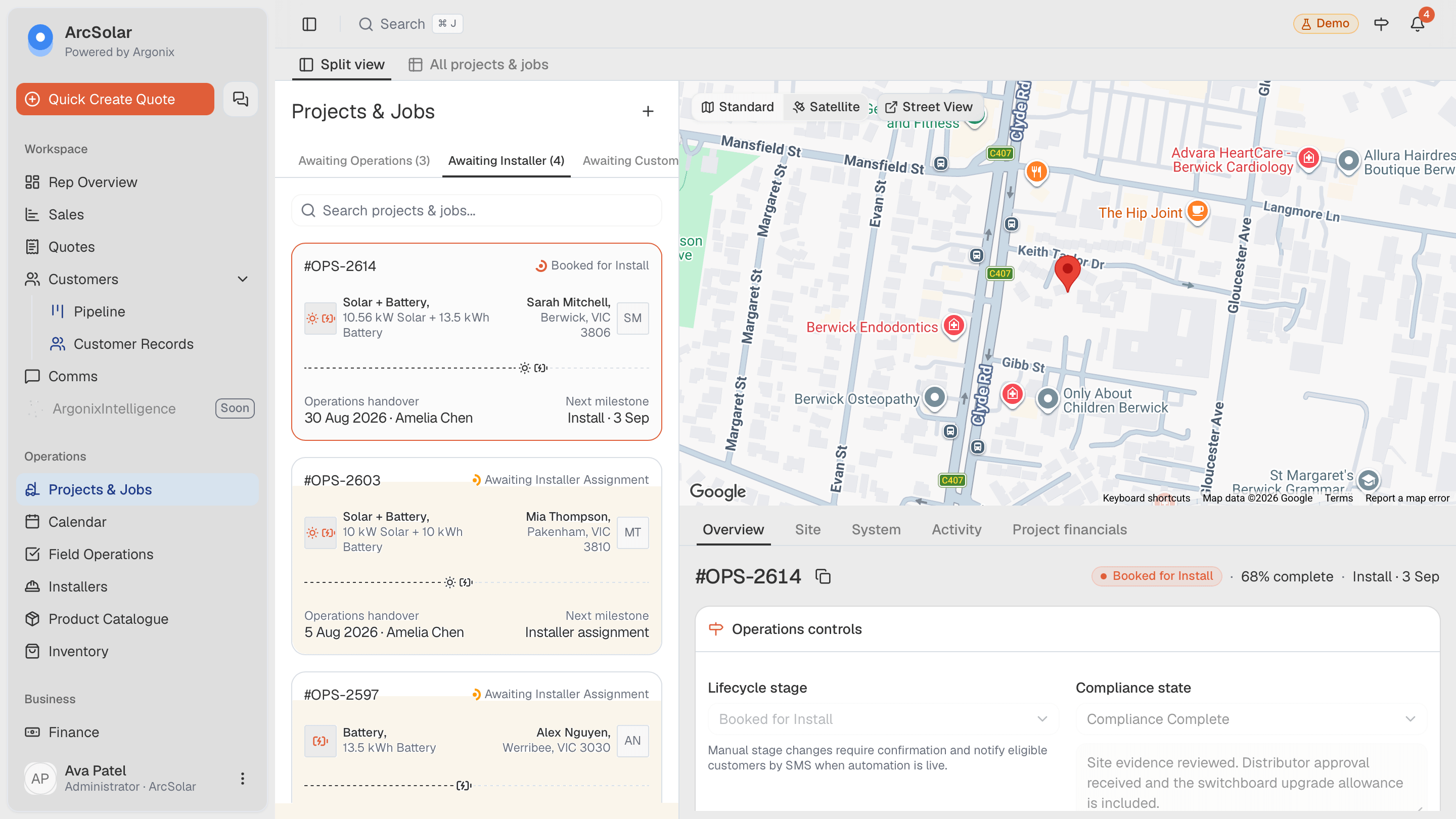
Review Formbay application status, job status and reported evidence beside the installation. Missing, unknown and complete mean different things.
Formbay CRM integration
ArcSolar links Formbay applications to Projects & Jobs, giving your team one place to review the customer, installation and reported evidence. Find the outstanding requirement before chasing another update.
Book a workflow demoApplication status, job status and evidence remain distinct so the next action is easier to identify.
What you can do
Review Formbay application status, job status and reported evidence beside the installation. Missing, unknown and complete mean different things.
Inspect the scheme, application reference and installation address before linking or importing. Search existing projects to avoid duplicating work.
Replacing a token keeps the company check explicit. On disconnect, review the confirmation describing retained projects and previously synced information.
Setup and workflow
Use an authorised Formbay account and confirm plan access. Provider-side work remains in Formbay when ArcSolar does not offer that action. For missing evidence, check the provider reference and last successful sync before assigning the unresolved requirement.
An authorised administrator supplies the Formbay bearer token. Verify it in Retailer Settings → Integrations → Formbay, then confirm the returned company.
Choose the appropriate scheme and inspect the installation details. Associate the application with the existing project when one already exists.
Example: an installation is reported complete but one evidence item is unknown. Check the provider record and assign a follow-up instead of marking the evidence complete.
Questions
No. Unknown means the available data does not establish the outcome. Review the provider evidence or follow up before treating the requirement as satisfied.
Use Replace token in the integration settings, then verify the company again. Ask your Formbay administrator to resolve access or token validity problems.
Review the scheme, provider reference and address first. Look for an existing project before importing so the same installation is not managed twice.
Evidence and review
This page is mapped to 1 maintained ArcSolar capability record. Product statements are reviewed by the ArcSolar product and editorial team. Read the editorial standards.
Related workflows
See it with your workflow