Use quote engagement
Different journey steps can respond to a successful send, an unviewed quote or a viewed offer that remains unaccepted.
Solar quote follow-up automation
ArcSolar coordinates timed quote messages with the customer conversation. Review upcoming reminders beside the quote so the rep can respond personally without leaving an outdated sales message queued behind them.
Book a workflow demoDifferent journey steps can respond to a successful send, an unviewed quote or a viewed offer that remains unaccepted.
What changes for your team
Different journey steps can respond to a successful send, an unviewed quote or a viewed offer that remains unaccepted.
Customer replies and rep-written SMS can move near-term reminders beyond the conversation quiet period, while retaining later timed steps.
Read the message state before assuming delivery. Unsent, dry run, sending, sent, delivered and not sent are different outcomes.
Setup and example
Confirm plan access, staff permissions and the connected workspace setup before using this workflow with a real customer.
An authorised administrator reviews step timing, templates and enabled state in Customer journeys, then confirms outbound automation is active.
Open Automated follow-ups in Activity. Check the quote reference, local scheduled time and preview before editing an unsent message.
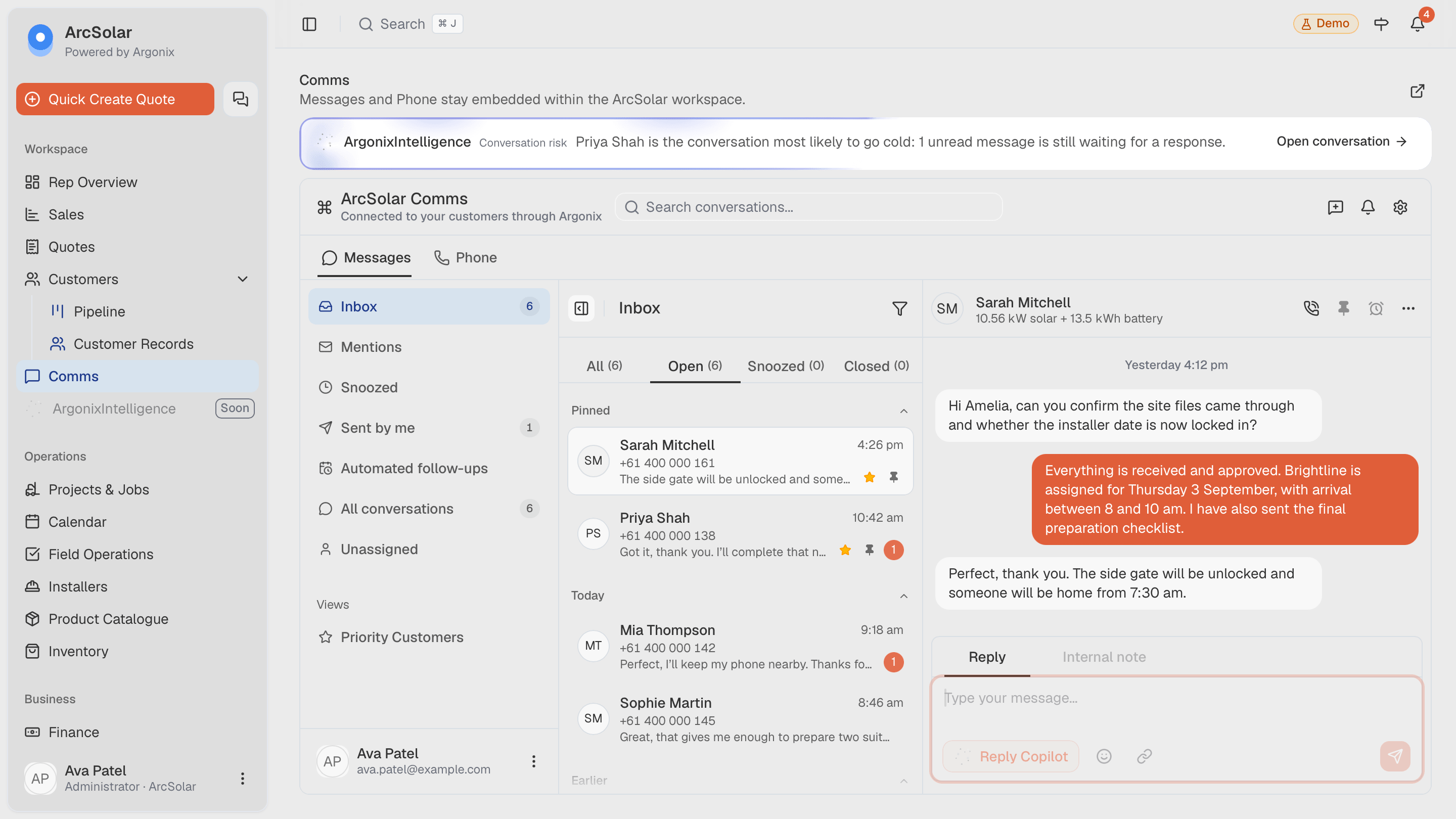
Illustrative demo: a customer replies before a reminder. Inspect its revised send time and confirm the rep can continue the conversation without a conflicting message.
Questions
Automatic quote messages use saved templates. Review the wording and placeholders; do not assume the system freely generates a new sales message for each reminder.
No. The documented timing is a default. Review the active journey and configured business window in your workspace before promising when a message will arrive.
Acceptance cancels obsolete sales reminders. Other conditions, including consent withdrawal, expiry or failed sender checks, can also stop pending messages.
Evidence and review
This page is mapped to 1 maintained ArcSolar capability record. Product statements are reviewed by the ArcSolar product and editorial team. Read the editorial standards.
Related workflows
See it with your workflow