A lifecycle everyone can follow
Track the job from deal won through scheduling, installation and close-out with the current phase visible to the teams involved.
Track projects, dates and milestones from accepted quote to completed installation.
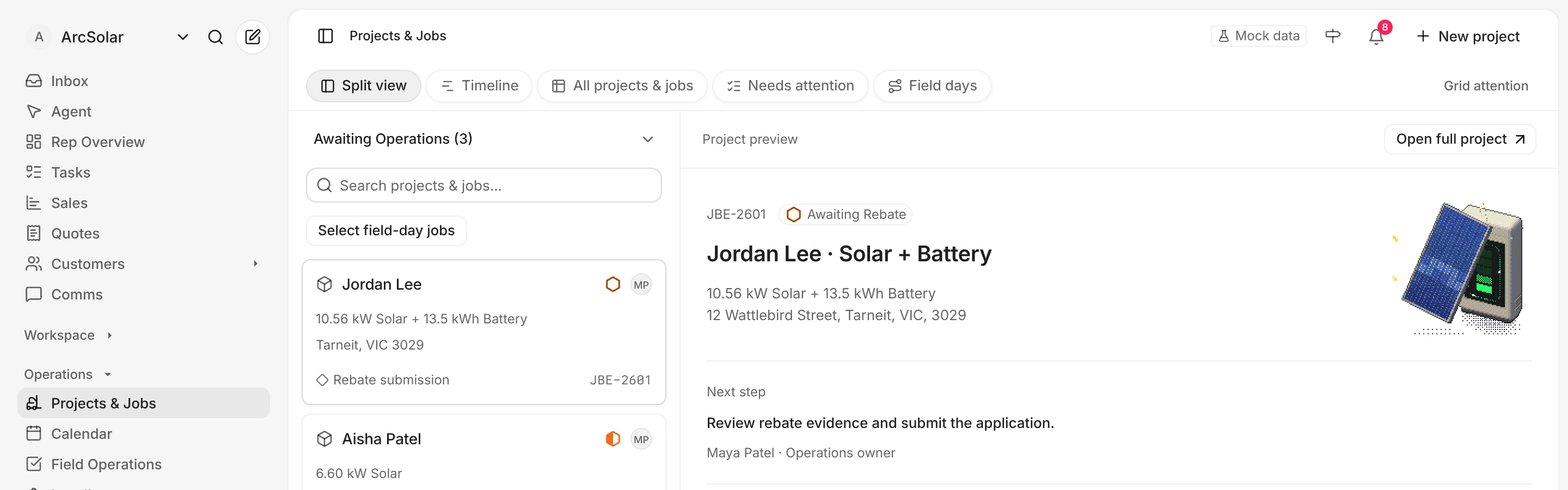
Track the job from deal won through scheduling, installation and close-out with the current phase visible to the teams involved.
Keep the customer, property, accepted system and mapped site context on the operational record created from the sale.
Use a shared activity history and connected work records so a status change does not disappear into a private message or spreadsheet.
Keep each action connected to the customer and the work your team is delivering.
Carry the agreed customer, property, system and payment context from sales into operations.
Connect the project to scheduling, installer assignment and the field work needed for the site.
Keep milestones and activity visible as the job is installed, completed and reconciled.
Yes. The Timeline view places project spans and milestones on a date grid. Switch between week, month, quarter and year views, then open a project to review its dates and next action. It is a planning view; changing dates uses the project controls rather than dragging bars.
The operational job can be created from the accepted deal so the delivery team receives the customer, site and commercial context already collected by sales.
Yes. ArcSolar can show the installation address with mapped site context alongside the operational job and its current lifecycle stage.
Because teams work from the same connected lifecycle, authorised sales and operations users can see the current job state without maintaining separate trackers.
Bring your team’s workflow to a demo.
Book a demo